Create a batch
Choose the card type, sport, set and the defaults that should apply.
Bring a stack of cards in from photos on your computer and browse your collection page by page.
Desktop portal
Create a batch from card photos, review BinderTrax's matches, approve the cards, and see them organized in your digital Binder.
Choose the card type, sport, set and the defaults that should apply.
Upload paired front-and-back images from your computer.
Compare each photo and correct details when a card needs attention.
Send the reviewed cards to your Binder with one approval.
Open sets and view the collection page by page.
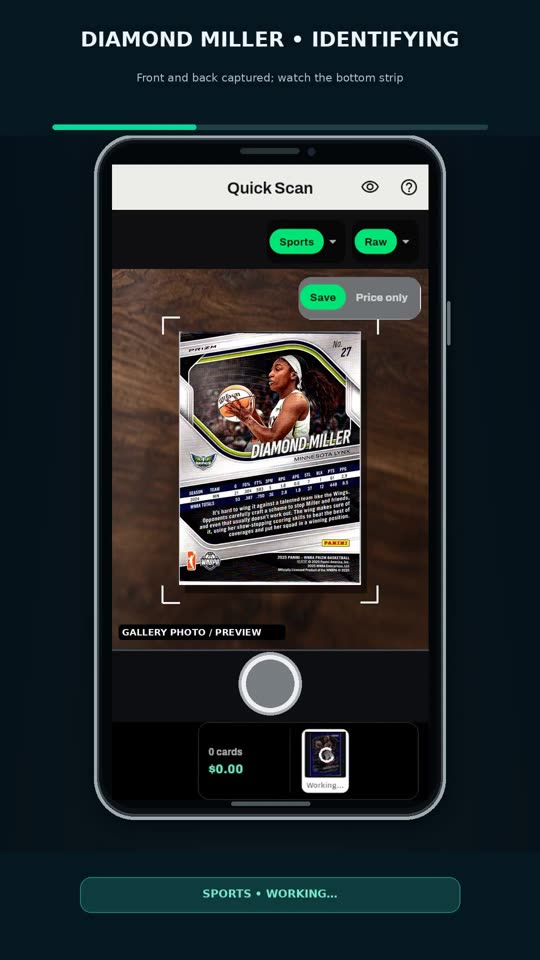
Point your phone at a card to identify and price it, then save it or just check what it's worth.