Scan. Track. List. Sell.

More from every card.

One account on your phone and in your browser. Scan at the table, finish the listing at your desk — or start in the portal and check the price from your pocket. Your Binder, inventory, want list, PokeTrax and listings are the same wherever you open them.
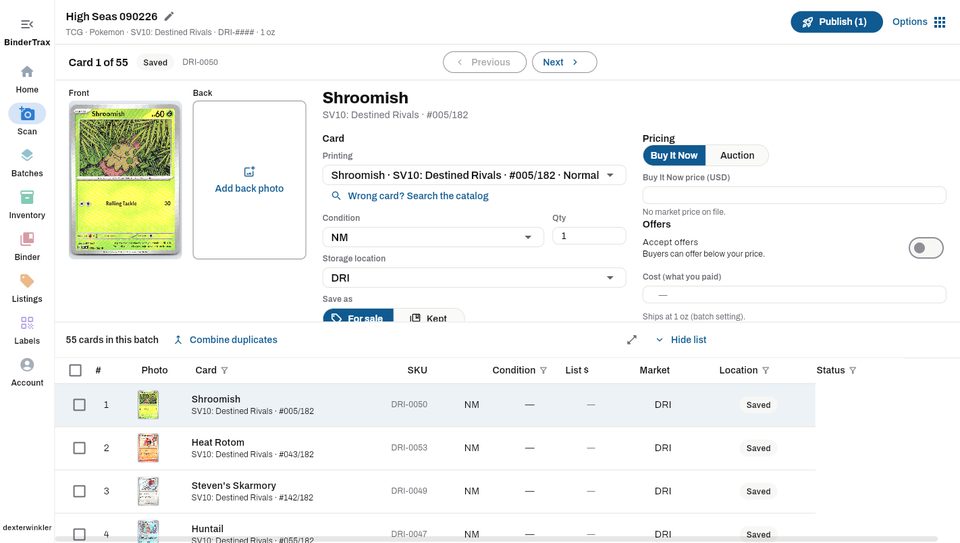
BinderTrax Management Portal split view workspace
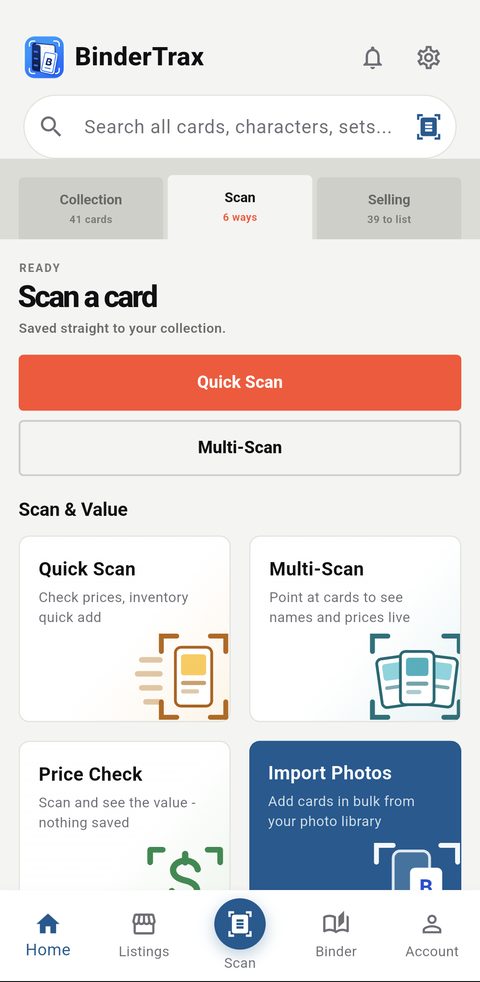
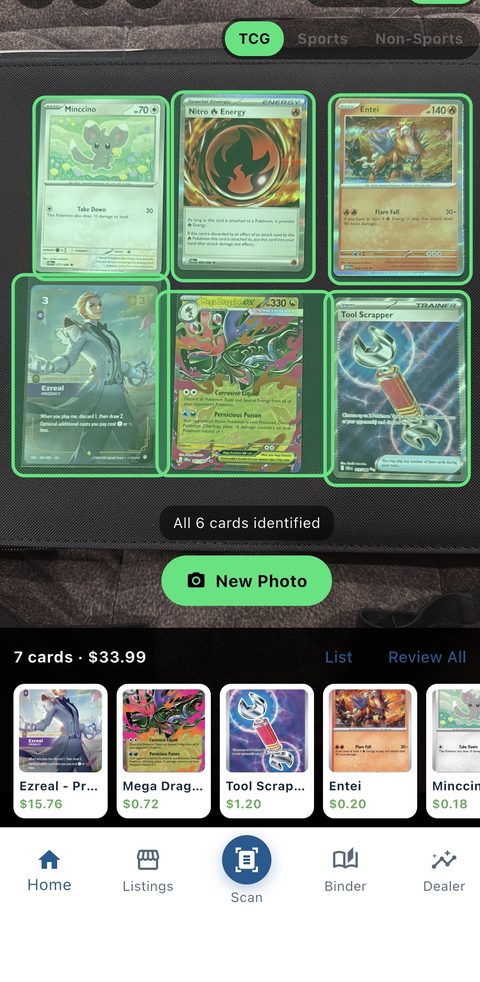
BinderTrax mobile card scanner

Scan & Identify

Get the exact card, printing and current price.

Stay Organized

Keep track of your inventory, binder and collection.

List & Sell

Create eBay listings with your own photos.

Know the Value

See market prices and track trends over time.

Collecting

Build your collection.

Track what you have, find what you need, and never forget a card again.

Learn more →
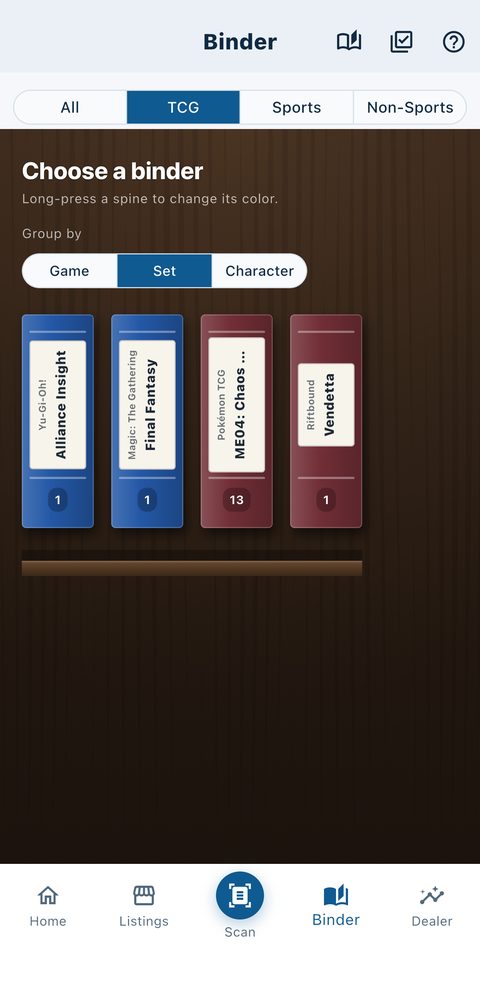
BinderTrax digital collection and Binder
Selling

Turn your cards into profit.

Scan, list and sell — faster, with less manual work.

Learn more →
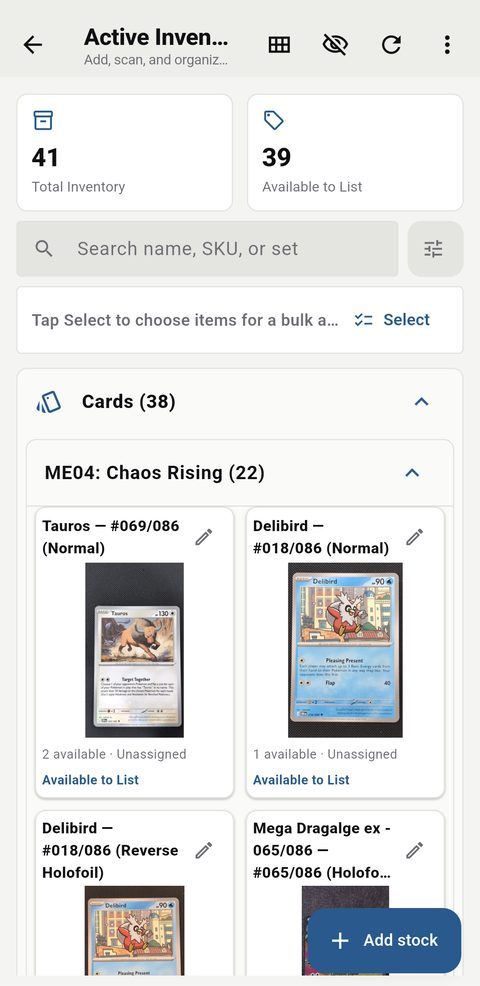
BinderTrax inventory and selling tools
The Portal

The same account, at a desk.

Binder, inventory, PokeTrax, want and buy lists, the Centering Tool, listings and a consignment desk — on a screen with room for them.

Open the portal →
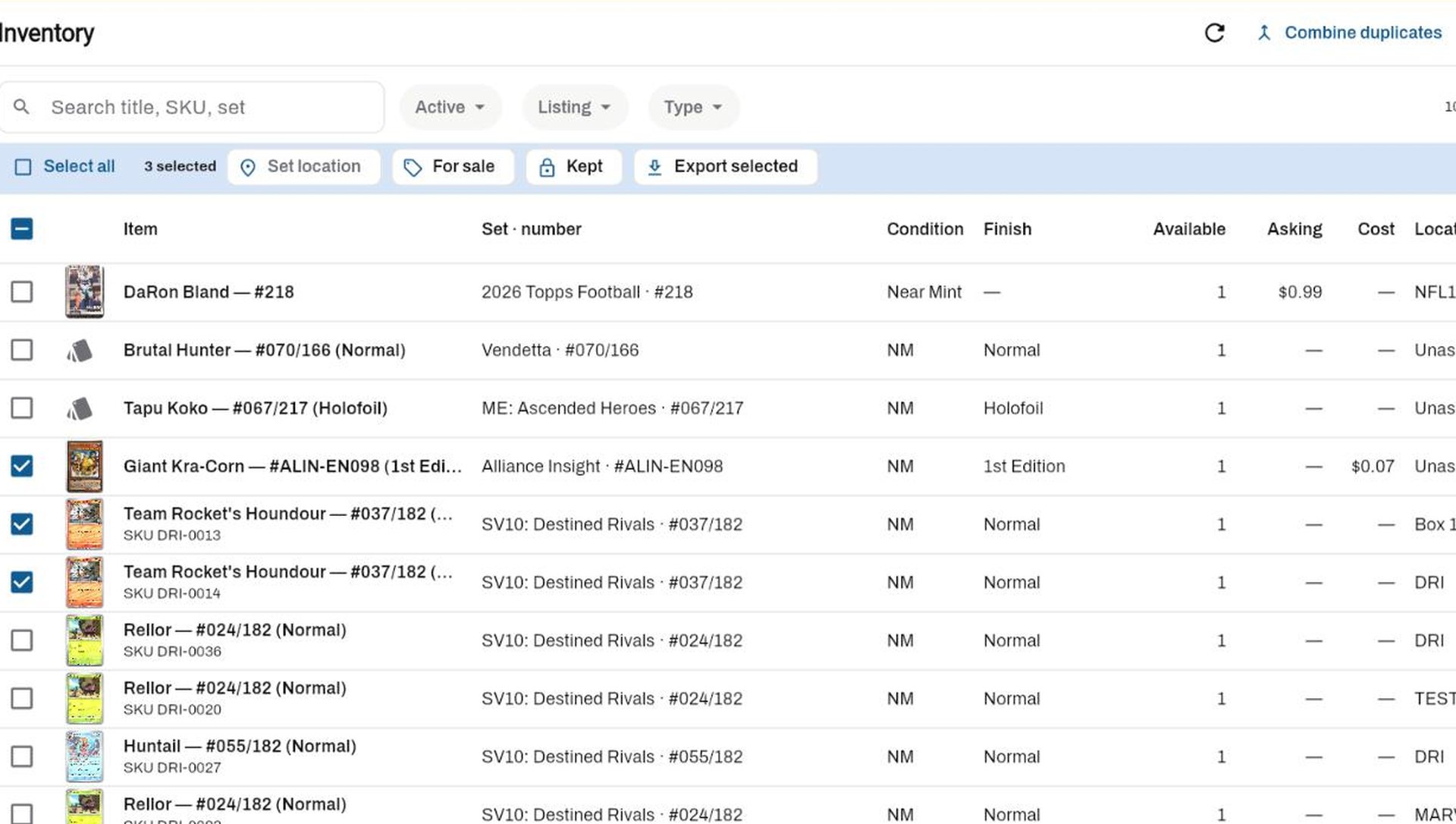
BinderTrax Management Portal inventory with tiles, selection and bulk actions
How-To's

See the workflow in action.

Follow step-by-step videos made from the real BinderTrax portal.

Watch guides →
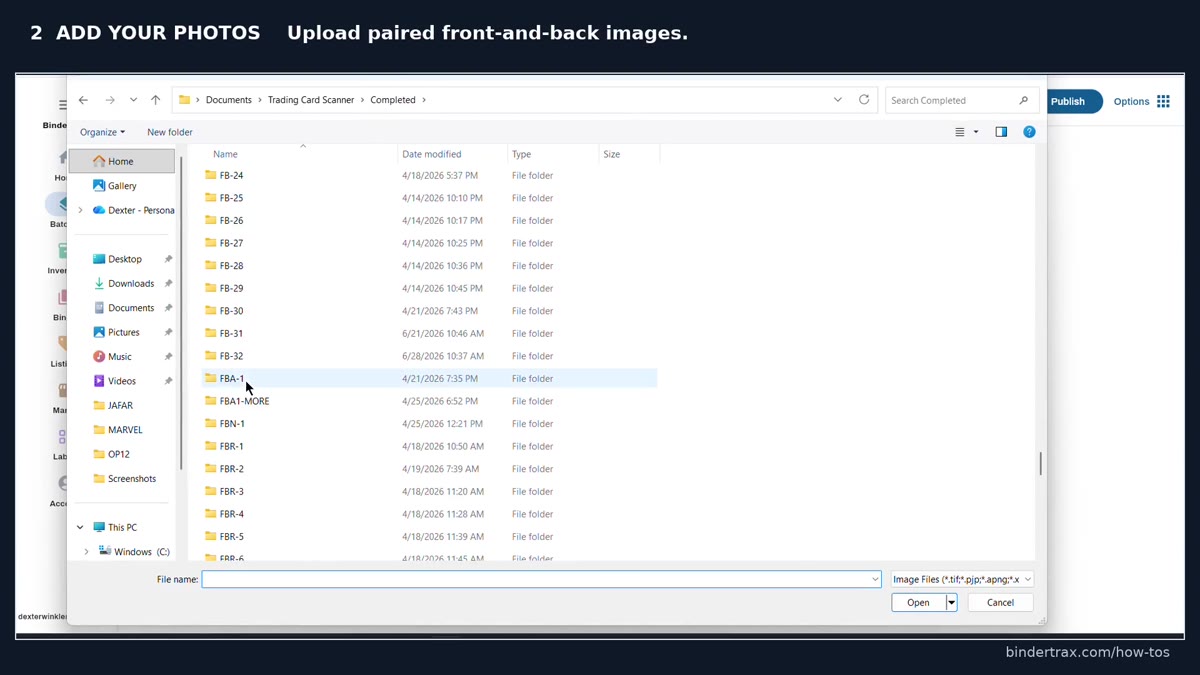
BinderTrax how-to video showing a card batch

Hands-free scanning

Auto-capture with Card Slide.

Set your phone on a Card Slide scanner stand and choose Stand in Multi-Scan. Slide a card down the ramp and BinderTrax takes it the moment it comes to rest — no shutter button, no tapping between cards. Run the fronts, then the backs, and each back is paired with its front.

Multi-Scan, Stand included, comes with Collector and up, on iPhone and Android. Card Slide is made and sold by Illusion Collectibles.

  1. 1

    Set the phone on the stand

    Open Multi-Scan and choose Stand.

  2. 2

    Slide the fronts in

    Each card is captured once, as it lands, with a shutter sound so you know it was taken.

  3. 3

    Then the backs

    Lift the pile out and the app offers to start the backs, matching each one to its front.

BinderTrax mobile scanning workflow

One account, phone and browser

Phone at the table. Browser at the desk.

Scan a card on your phone and it is in the portal before you sit down. Change a price or condition in either place and the other has it. List in the browser and manage the live listing from your phone at the show. Nothing to export, nothing to sync by hand: the phone and the portal read the same account. High-volume scanner imports, scan batches, bulk inventory tools and eBay listing workflows live in the portal; the scanner and your collection ride in your pocket.

Scan on your phone
Automatically synced
Pick it up in the browser
Create eBay listings
Ideal for collectors and dealers